What GPU Do You Need for 1080p, 1440p, and 4K Gaming?
Pick a graphics card by starting with the monitor you actually want to drive: resolution, refresh rate, AAA settings, VRAM, and ray tracing.
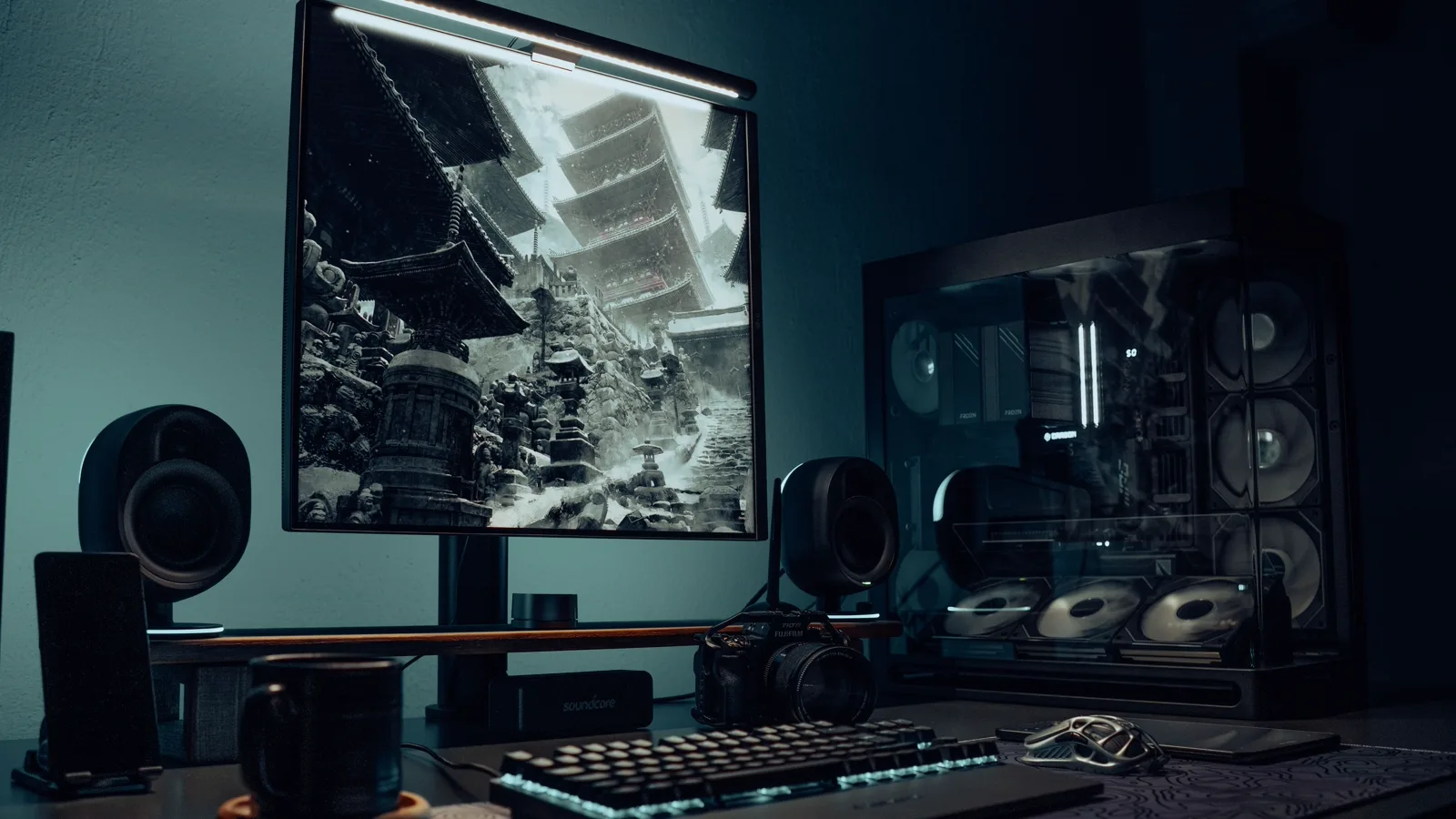
Start with the screen you actually plan to use
The GPU model name is the last part of the decision, not the first. A 1080p 60Hz screen can be perfectly happy with a modest card, while a 1440p 165Hz monitor expects a much stronger one. A 4K 144Hz panel is no longer a casual upgrade; it is a commitment to a higher GPU budget.
The quick sanity check is pixel load. 1440p has about 78% more pixels than 1080p, and 4K has four times as many. Once you add high refresh rates, ultra textures, and ray tracing, the gap between “it runs” and “it feels good” gets wide fast.
A practical GPU target table
Think of this as a buying shortlist, not a lab benchmark. It is meant to stop you from pairing a demanding monitor with a card that will immediately feel stretched. Real frame rates still depend on the game, graphics preset, CPU, cooling, driver version, and whether you use DLSS, FSR, XeSS, or frame generation.
Practical GPU targets for common gaming monitors
| Monitor target | Realistic GPU class | Notes |
|---|---|---|
| 1080p 60-100Hz | Entry to lower-mid GPU, 8GB VRAM minimum | Good for budget AAA with tuned settings |
| 1080p 144-240Hz | Mid GPU plus strong CPU | Esports benefits most; AAA may not hit max Hz |
| 1440p 60-100Hz | Upper-mid GPU, preferably 12-16GB VRAM | The safest quality target for many AAA players |
| 1440p 144-180Hz | High midrange GPU, 16GB VRAM is comfortable | Great match for 27-inch QHD and 34-inch ultrawide |
| 4K 60-100Hz | High-end GPU, 16GB+ VRAM strongly preferred | Often relies on upscaling for heavy ray tracing |
| 4K 120-144Hz | Enthusiast GPU, top-tier cooling and power | Buy this for premium AAA, not value gaming |
GPU examples change with pricing. Treat the class as more important than a single model name.
VRAM is where cheap upgrades age badly
For newer AAA games, 8GB of VRAM is no longer the comfortable middle ground. It can still be fine at 1080p if you are sensible with textures, but 1440p and 4K are where 12GB or 16GB starts to feel less like a luxury and more like breathing room.
That does not mean you should buy the largest memory number on the shelf. A slow GPU with more VRAM can still lose to a faster card with less memory. Use VRAM as a warning sign, then check real benchmarks, power draw, feature support, and the price where you live.
Ray tracing changes the budget conversation
Native resolution is no longer the only honest way to play. DLSS, FSR, XeSS, and frame generation can make 1440p and 4K feel practical on hardware that would otherwise struggle. The catch is that each game handles image quality, latency, and support differently.
For competitive shooters, I would still favor real rendered frames and low latency over pretty checkboxes. For cinematic single-player games, upscaling and frame generation are easier to accept, because the payoff is usually image detail, lighting, and a calmer camera.
The safer pairings for most people
If you want the boring answer that usually works, buy around the 27-inch 1440p 144Hz to 180Hz zone and pair it with a strong upper-midrange GPU. It is visibly sharper than 1080p, much easier to feed than 4K, and it does not punish every future game as hard.
A 32-inch 4K monitor is excellent if your day includes text, code, spreadsheets, and media. Just do not assume the same GPU that makes the desktop look sharp will also turn every AAA game into native 4K high-refresh bliss. For esports, a fast 1080p or 1440p screen is often the smarter buy.
A buying checklist before you upgrade
Before buying, write down the boring details: monitor resolution, refresh rate, the three games you actually play, the graphics preset you expect, whether ray tracing matters, and how much noise or power draw you can tolerate. That turns “what GPU should I buy?” into a much cleaner target.
- Check whether your monitor uses HDMI 2.1, DisplayPort 1.4, DisplayPort 2.1, or USB-C DisplayPort Alt Mode.
- Leave room in the budget for PSU capacity, case airflow, and possibly a CPU upgrade for high-refresh gaming.
- Compare the physical monitor size too: a stronger GPU does not help if the screen is too large for your desk distance.
FAQ
Is 8GB VRAM enough for AAA games?
It can still work at 1080p if you keep textures under control. For a new AAA-focused card, though, I would treat 12GB as the more comfortable starting point and 16GB as the safer long-term pick.
Is 1440p harder to run than 1080p?
Yes, but it is a reasonable jump. 2560 x 1440 has about 78% more pixels than 1920 x 1080, so the GPU load is real. It is still far easier to live with than 4K.
Do I need a high-end GPU for a 240Hz monitor?
Not always. Many esports titles can reach high frame rates with a midrange GPU if the CPU is strong. Modern AAA games are different; at high settings, even expensive hardware often will not sit near 240 FPS.
Should I choose 4K 60Hz or 1440p 144Hz for gaming?
For mixed gaming, 1440p 144Hz is usually the safer value choice. Pick 4K 60Hz when you care more about image detail, slower cinematic games, and desktop clarity than fast motion.
Related comparisons
Related guides
Connections and display setup
HDMI vs DisplayPort: Which Connection Should You Use?
Monitor guides
Best Monitor Size for Gaming: 24 vs 27 vs 32 vs 34 Inch
Monitor guides
Resolution vs Refresh Rate: 4K 60Hz or 1440p 144Hz?
Monitor guides
Monitor Resolution Guide: 1080p, 1440p, and 4K Picks
Monitor guides
Monitor PPI Chart by Size and Resolution